Make time for
the bigger picture.
Review clicks, impressions, click-through rate and average position together. Change the date range, explore search queries and open charts in separate windows for a closer look at your traffic.
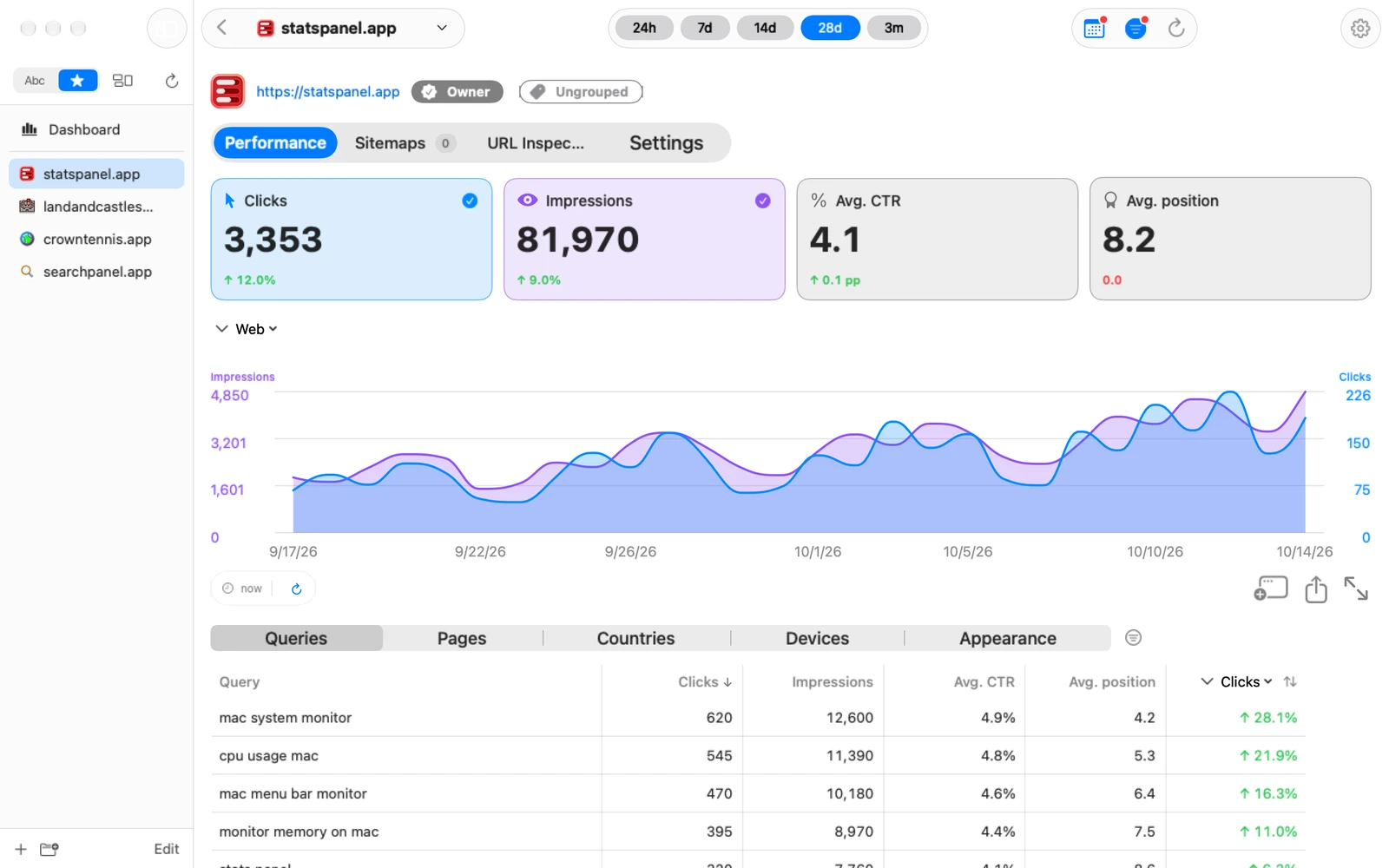
Search Panel brings your search performance to a native macOS app. Review trends, explore queries and manage your sites from your desktop.
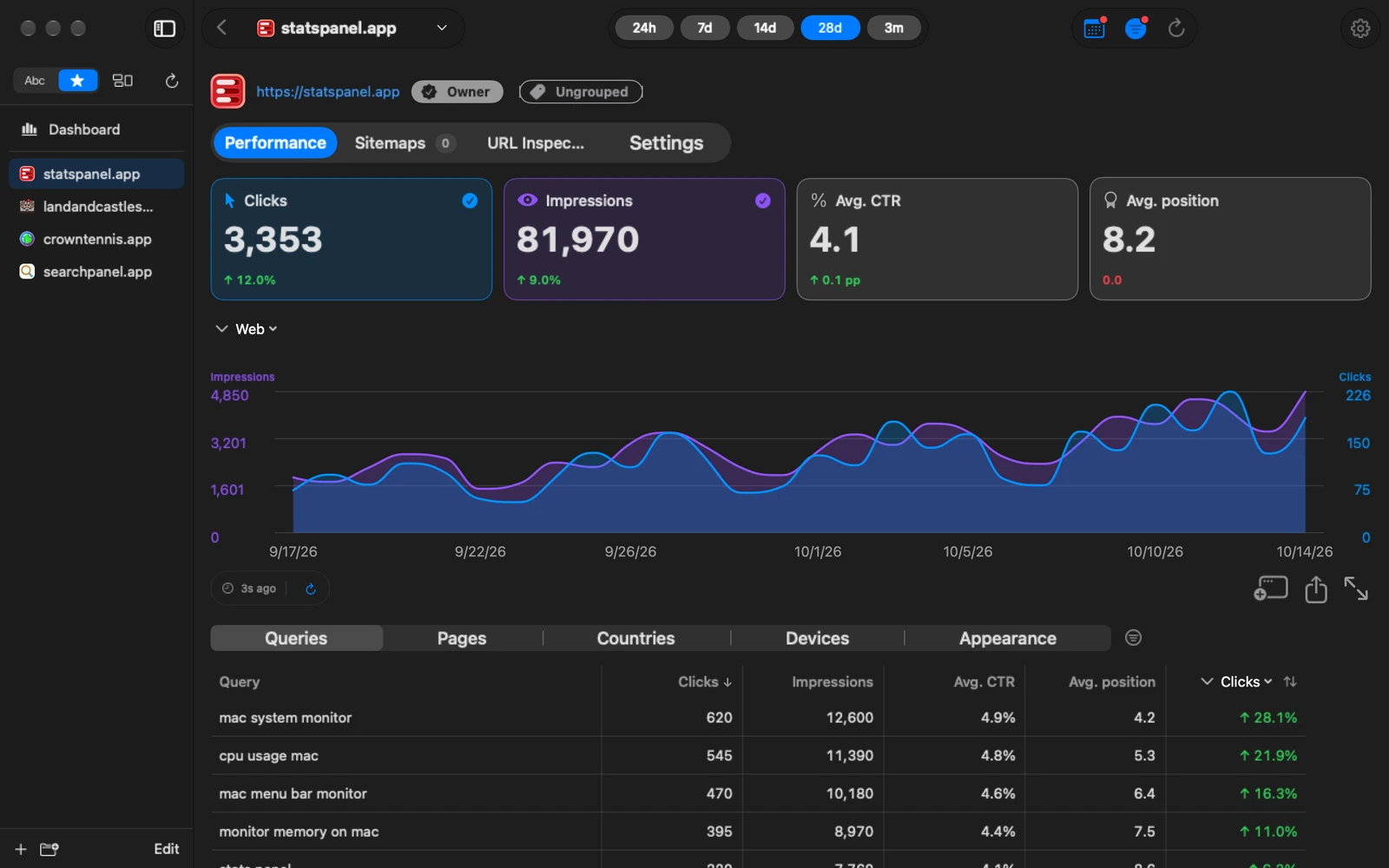
A Search Console Mac app for the daily work of site owners, marketers and SEO professionals.
Review clicks, impressions, click-through rate and average position together. Change the date range, explore search queries and open charts in separate windows for a closer look at your traffic.
Move between Search Console properties from the sidebar. Group related sites and arrange them in an order that fits your work.
Inspect a URL to review its Google indexing information. Submit and review sitemaps without leaving the app.
Use the Mac MCP server to query your Search Console data from compatible AI tools. MCP requires Pro. Explore Search Console MCP.
Install the native Mac app from the App Store.
Sign in with an account that has access to your website in Google Search Console.
Select a property in the sidebar, choose a date range and review your performance.
A few answers before you download.
Yes. Search Panel is an independent native macOS client that connects to Google Search Console. It brings performance reports, sitemaps and URL inspection into a desktop app.
Review clicks, impressions, CTR and average position, explore queries, organise sites, manage sitemaps and inspect URLs. You can also open charts in separate windows and use the Pro MCP server with compatible AI tools.
Search Panel provides a native way to work with supported Search Console data. Keep the Google Search Console website available for features and account administration that the app does not provide.
Yes. Sign in with a Google account that already has access to a Search Console property. If your website is not set up yet, add and verify it in Google Search Console first.
Search Panel is free to download, with optional in-app purchases for Pro features. MCP requires an active subscription or lifetime purchase. Current pricing and macOS compatibility are listed on the App Store.

Also available as a Search Console app for iPhone and iPad.