Stay in touch
with your traffic.
On iPhone, scan your performance cards and chart when you are away from your desk. On iPad, use the sidebar and wider report layout to explore your sites, trends and search queries with more room.
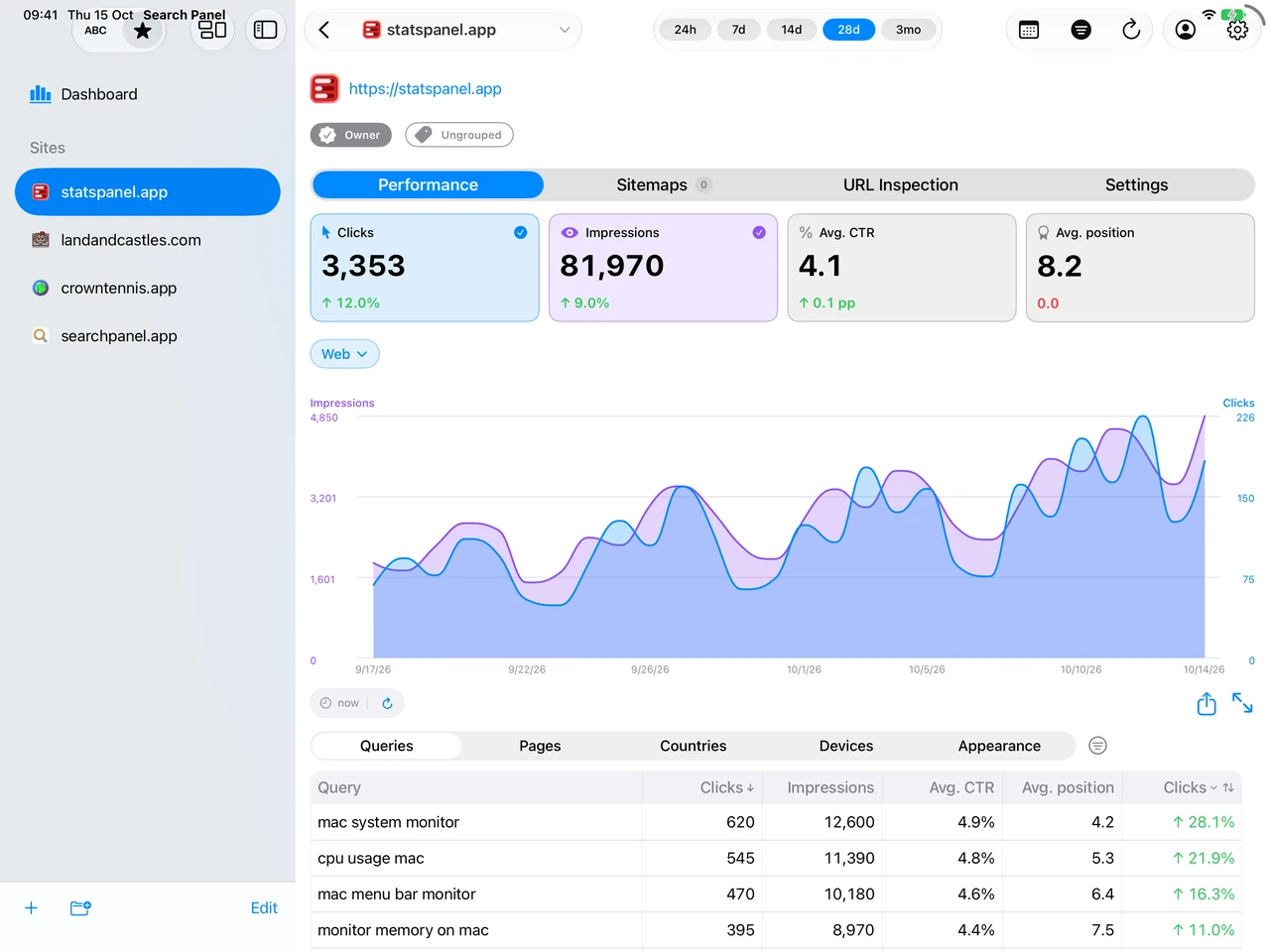
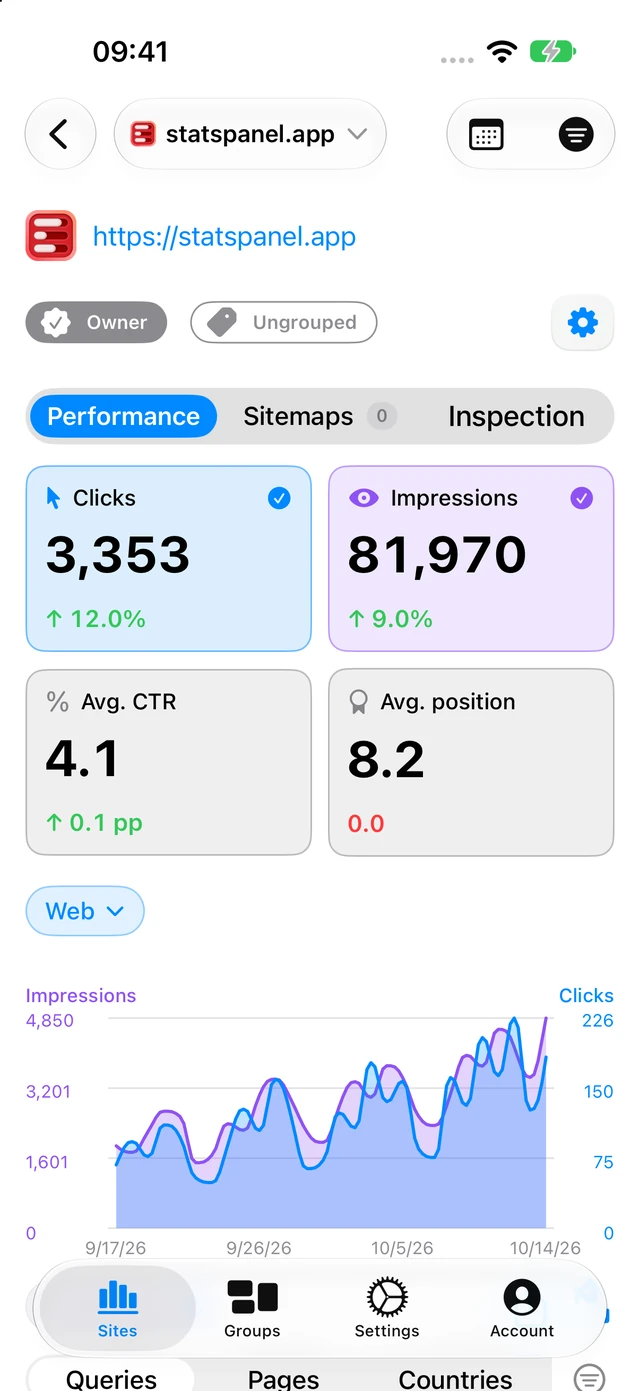
Check your search traffic wherever you are. Search Panel is a native Google Search Console iOS app, with layouts made for iPhone and iPad.
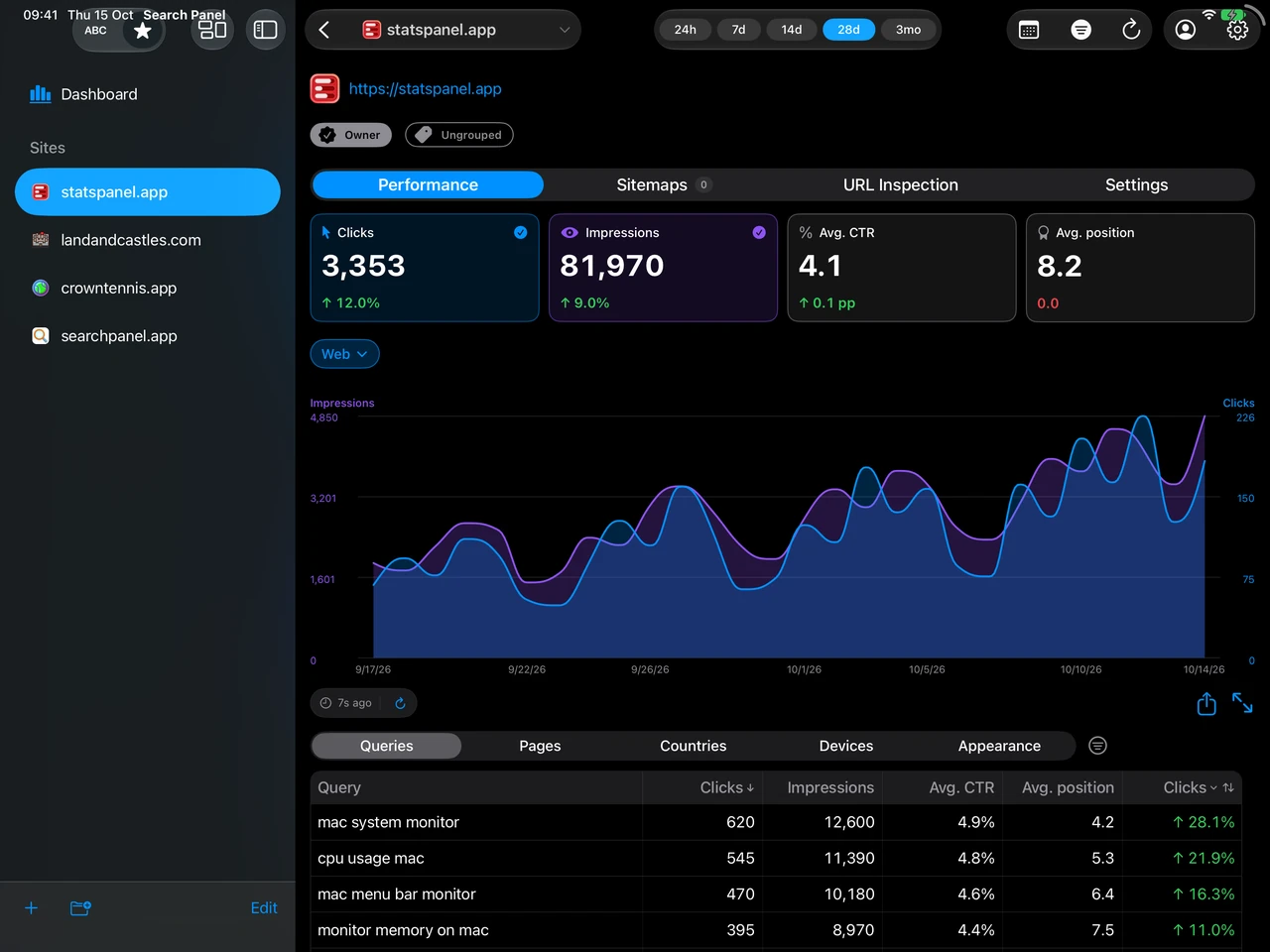
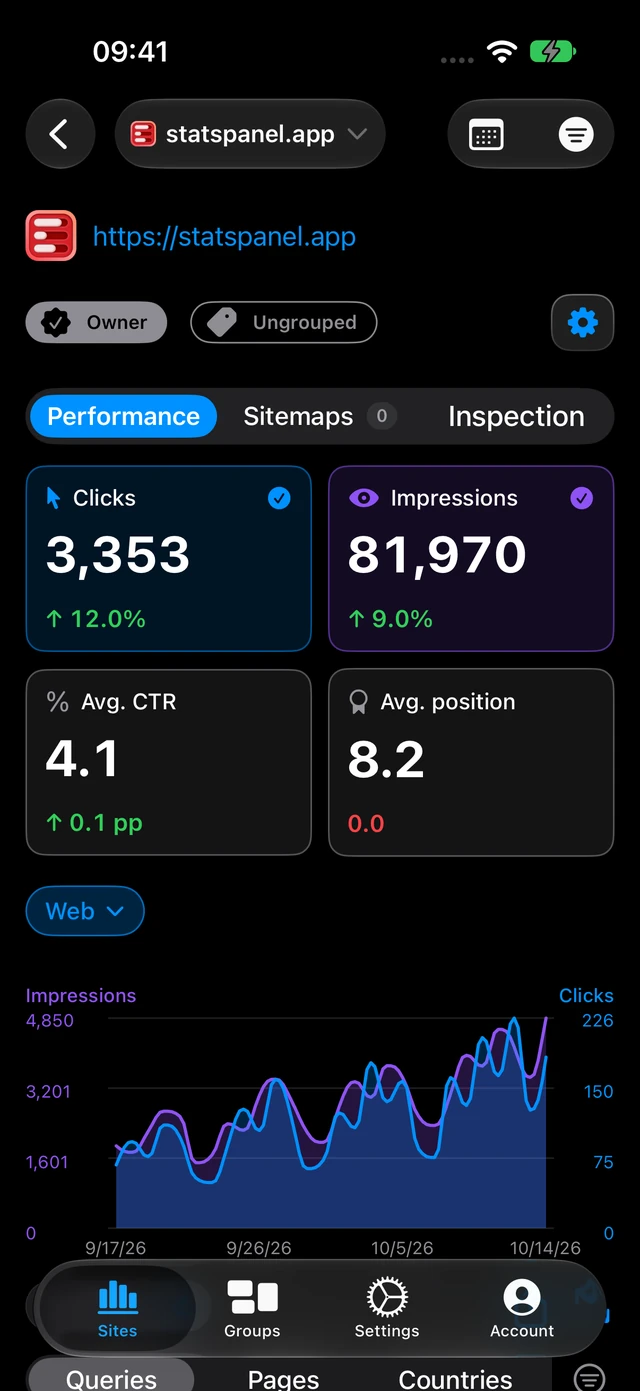
Your Search Console data, arranged for the screen in your hands.
On iPhone, scan your performance cards and chart when you are away from your desk. On iPad, use the sidebar and wider report layout to explore your sites, trends and search queries with more room.
Follow clicks, impressions, click-through rate and average position. Change the date range to explore how your search performance is developing.
Switch between your Search Console properties and organise them into groups. Keep client sites, projects or your own websites easy to find.
Inspect a URL to review its indexing information, or submit and review sitemaps from your iPhone or iPad.
Download Search Panel from the App Store on your device.
Use the account that has access to your website in Google Search Console.
Choose a site and a date range to see your search performance in a native mobile layout.
A few answers before you download.
Yes. Search Panel connects to Google Search Console so you can review your website’s search performance, sitemaps and URL inspection data in a native iPhone app.
Yes. The iPad layout uses the extra screen space for a site sidebar and wider performance reports. You can explore the same Search Console properties from your iPhone or iPad.
No. Search Panel is an independent Google Search Console client made by Anmoco. It is not affiliated with Google.
You need a Google account with access to a website in Google Search Console. Add and verify your website in Search Console first if you have not already set it up.
Search Panel is free to download, with optional in-app purchases for Pro features. See the App Store listing for current pricing and iOS and iPadOS compatibility.
The Search Panel MCP server is a Mac feature. The iPhone and iPad apps let you explore your Search Console data directly on your device.

Prefer a desktop workspace? Explore the Search Console app for Mac.